FDIC-Insured - Backed by the full faith and credit of the U.S. Government

Online Banking
Online Banking is FREE to all North Shore Bank customers and gives you a variety of services that help you use and manage your accounts, when and where you want.
What are the Benefits of Online Banking?
Keep an Eye on Your Accounts
- Stay on top of your money with balance and transaction notices with real-time Account Alerts
- Track Debit Rewards points and redeem for cash back, gift cards, and more
- Cut down on clutter and gain access to 18 months of eStatements
- Turn your debit card on/off at your discretion, know which merchants have your debit card stored online, set travel plan notifications, and more with My Card Manager
Make the Right Moves with Your Money
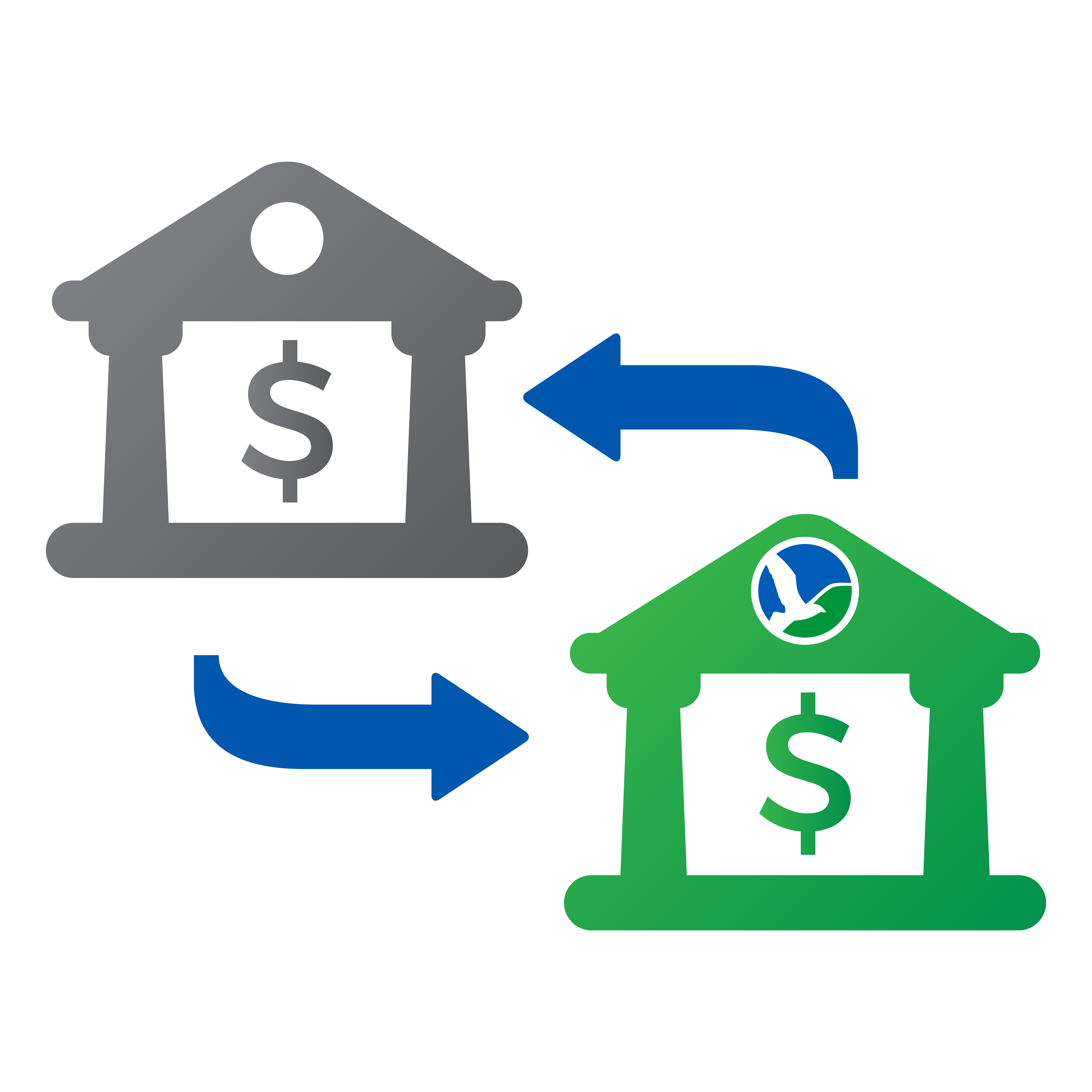
- Transfer money between your various North Shore Bank accounts or in and out of your accounts at other financial institutions
Feel Confident in Having More Security
- Immediately deactivate a lost or stolen debit card
- Restrict debit card usage based on location, transaction amount, merchant type and transaction type
- Set real-time alerts to be notified about specific types of transactions, debit card activity, or even account login changes
Monitor Your Financial Health
- Gain insight into your credit score and simulate factors that may impact your credit health with My Credit Score
- Trends gives you a complete picture of your North Shore Bank and external financial accounts
.gif)
How to Sign Up for Online Banking
You can sign up for Online Banking from your desktop computer, tablet device, or smartphone. When completing the one-time enrollment process, you'll need the following information:
- Social Security Number
- Your 10-digit account number (checking or savings), including any leading zeros and excluding dashes
- Date of birth
- Zip code
Once you have submitted this information, you will be able to create your unique username and password for your account and establish your security challenge questions.
When your enrollment is complete, you will be able to access your North Shore Bank account information after logging in at northshorebank.com.
Take a Look Around


FAQs
If you are enrolled in eStatements, you can view select tax documents electronically.
To view your statements from the Mobile App, simply select Statements & Documents below the account list and then click "View Associated Notices & Year-End Tax Forms".
In Online Banking, log in and select a specific checking, savings, or loan account, and then select "Online statements" from the Account Details page. Available tax documents will be displayed after clicking "View Associated Notices & Year-End Tax Forms" for the associated account.
If you're not currently enrolled in eStatements, log into the Mobile App or Online Banking, select the account you want to enroll, and click "Online statement" to get started.
You can sign up for Online Banking from your desktop computer, tablet device, or smartphone.
When completing the enrollment form, you'll need the following information to create your account:
- Social Security Number (SSN)
- Your 10-digit account number (checking or savings), including any leading zeros and excluding dashes
- Date of birth
- Zip code
Once you have submitted this information, you will be able to create your unique username and password for your account, establish your security challenge questions and set up a phone number for receiving verification codes to verify your identity.
When your enrollment is complete, you will be able to access your North Shore Bank account information from either Online Banking or our Mobile App.
To log in to Online Banking you must:
- Go to northshorebank.com.
- Enter your username (If you have forgotten your username you must contact us by phone).
- Enter your password (if you have forgotten your password, you can select the "forgot password" option. An email will be sent to you with instructions on how to reset your password).
Account alerts are real-time and will be sent to you as soon as possible after the transaction has occurred.
- Mobile App - Set up and receive Account Alert push, email, and text notifications.
- Online Banking - Set up and receive email and text notifications. Please note that you can also set up a "quiet time" for your text and email alerts by clicking the Manage Delivery tab in Alerts.
- Locate Alerts under Quick Links or on the More page.
- Turn on Push Notifications and then select Account Alerts.
- Next, choose an account and select Add new alert.
- Select the type of alert and set its criteria.
- Under Delivery Methods, activate push notification, email, and/or text message and select Save.
Set up email and/or text account alerts from Online Banking:
- Navigate to Settings > Security Center > Account and Security Alerts.
- Use the Manage Alerts tab to choose and customize the alerts you want. You will also choose the accounts you would like the alert placed on and what email address or phone number you want them sent to.