Skip to main content.
Notice: Be cautious of unsolicited email, texts, or calls requesting personal information, passwords, debit card pins, login credentials, passcodes and more from those posing as North Shore Bank employees.
Logo: FDIC FDIC-Insured - Backed by the full faith and credit of the U.S. Government

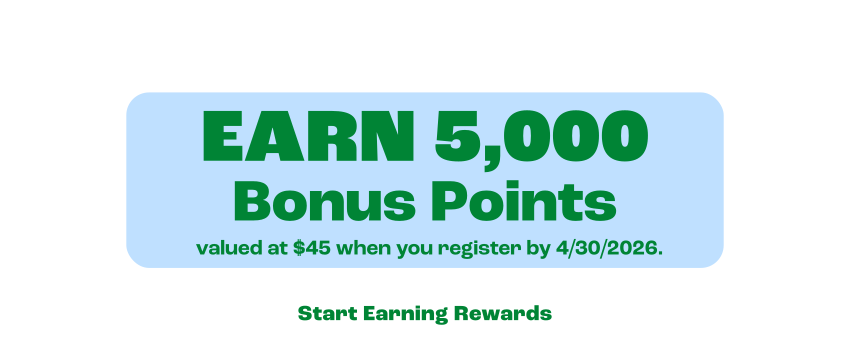
Your Debit Card Just Got Rewarding - Earn 5,000 Bonus Points valued at $45 when you register your debit card. Start Earning Rewards.
Why You'll Love Debit Rewards

Every purchase with your North Shore Bank Debit Mastercard® earns points – from groceries and gas to streaming subscriptions and everyday essentials.

What you'll enjoy:

  • Earn points on every debit card purchase—no caps
  • Redeem points for cash back, gift cards, Amazon purchases, and more
  • Track and redeem easily in the North Shore Bank Mobile App
  • 5,000 Bonus Points get you to rewards even faster
  • Works automatically with your checking account
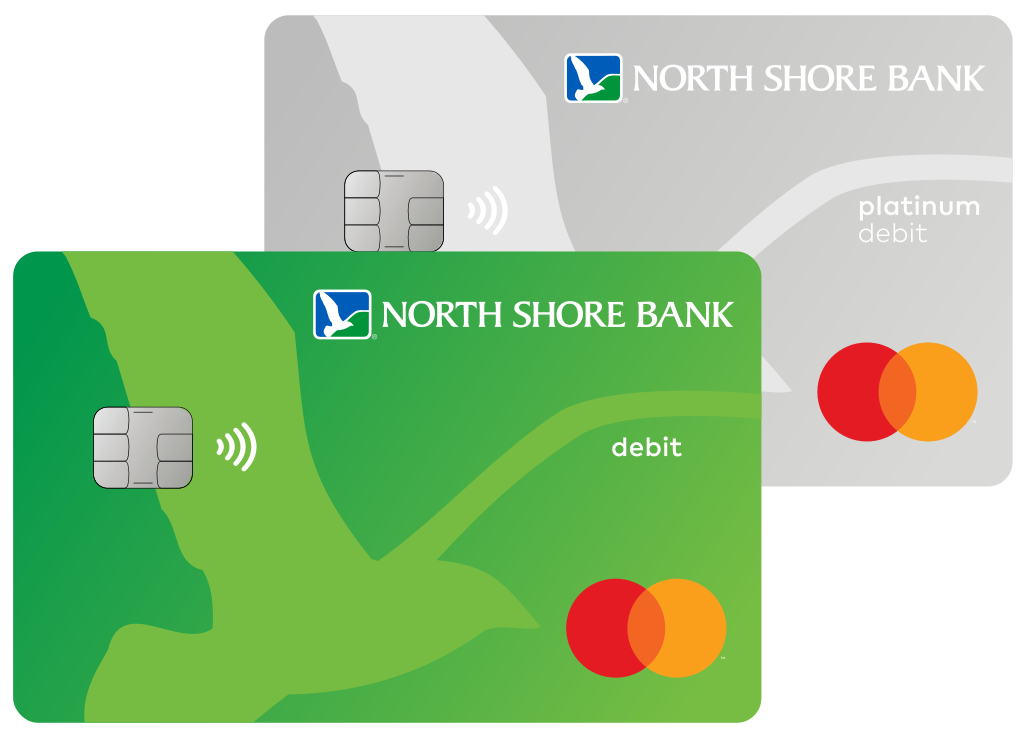
Image - North Shore Bank Debit Cards

How to Earn Your 5,000 Bonus Points*

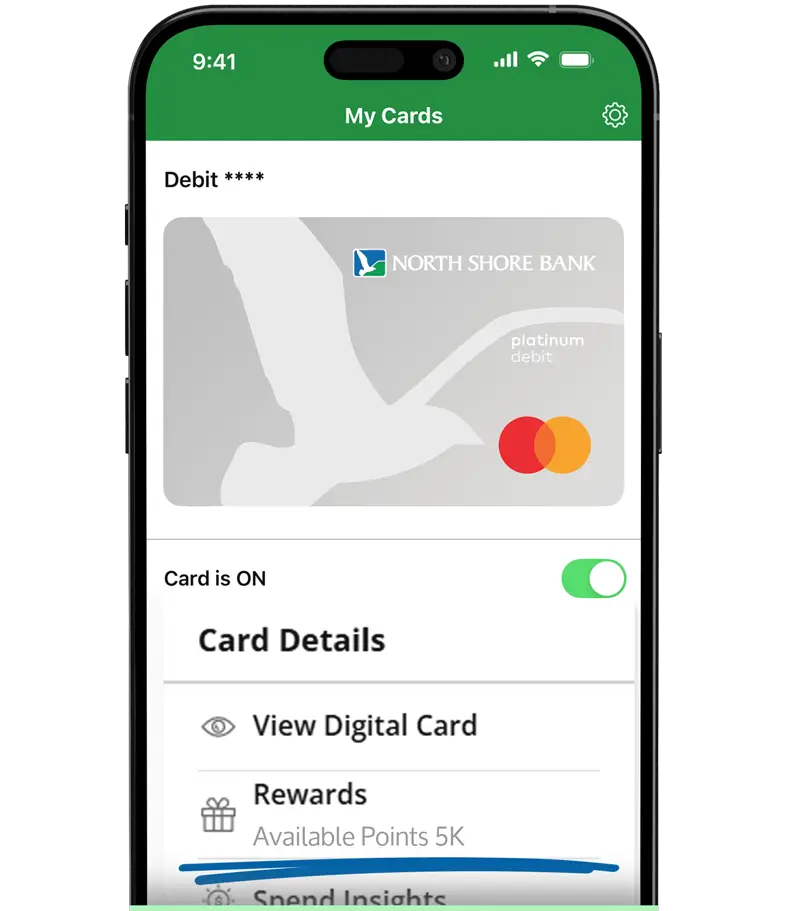
Image - North Shore Bank Mobile App "My Cards" Section with Debit Rewards Access

Getting the bonus is simple — and it starts with registering your debit card.

  1. Register your North Shore Bank Debit Card for Debit Rewards in Online Banking or the Mobile App
  2. Receive 5,000 Bonus Points after registration
  3. Make purchases with your North Shore Bank Debit Card and watch your points grow automatically
  4. Redeem points for cash back, gift cards, and more

Easily Register in the Mobile App
Step 1 – Tap to Start

Tap Rewards under Cards in the Mobile App

Step 2 – Accept Terms

Accept the terms, and you’re in
Step 3 – Earn Rewards

Earn points on every debit card purchase
Ready to Start Earning Rewards?

Image - Debit or Credit Card in Hand Icon

More rewards. More perks. All just a tap away. 

Image - Bank Symbol Icon

Visit an Office

FAQs

Yes. All rewards points redemptions are final. Points redeemed for any reward cannot be returned, reinstated, exchanged, or reversed for any reason, including accidental selection or non-use of the reward.

It’s easy! After you’re enrolled in Debit Rewards, you can redeem your points anytime to pay for eligible purchases at Amazon.com. Select to pay with your North Shore Bank debit card when you’re ready to check out. You’ll be able to choose your reward points to cover all or part of your purchase.

Visit Amazon’s uChoose Rewards page to learn more about how it works.

If your North Shore Bank debit card is connected to your PayPal® account, you’ll automatically be able to see your available reward balance and pay using your points.

You can also visit PayPal uChoose Rewards or add to link your card.

Once you’ve registered for Debit Rewards, you can use your reward balance to buy gas at more than 8,000 participating bp® and Amoco® gas stations nationwide. Simply tap, swipe, or insert your North Shore Bank Standard or Platinum Debit Mastercard® to save at the pump.

You’ll automatically receive a discount offer to save 50 cents per gallon (up to 20 gallons). Select “Yes” to redeem 1,500 points, and then watch your price roll back. To find participating stations near you, visit the bp Pump Locator.

With Debit Rewards, you can use your points to pay for purchases with PayPal®, Amazon.com, and even bp® and Amoco® gas stations.

Log in to your North Shore Bank account in the Mobile App or Online Banking and go to “Rewards” to see how it works. Under the “Redeem Points” tab, choose “Pay with Points” to get started.